iPad · Graphic score composition
LH Canvas
LH Canvas is a graphic score you can hear.
Draw a line on the iPad canvas and listen to it become a glide. Layer several gestures and hear them play together. The horizontal axis sets when a sound plays, and the vertical axis sets its frequency.
View on the App Store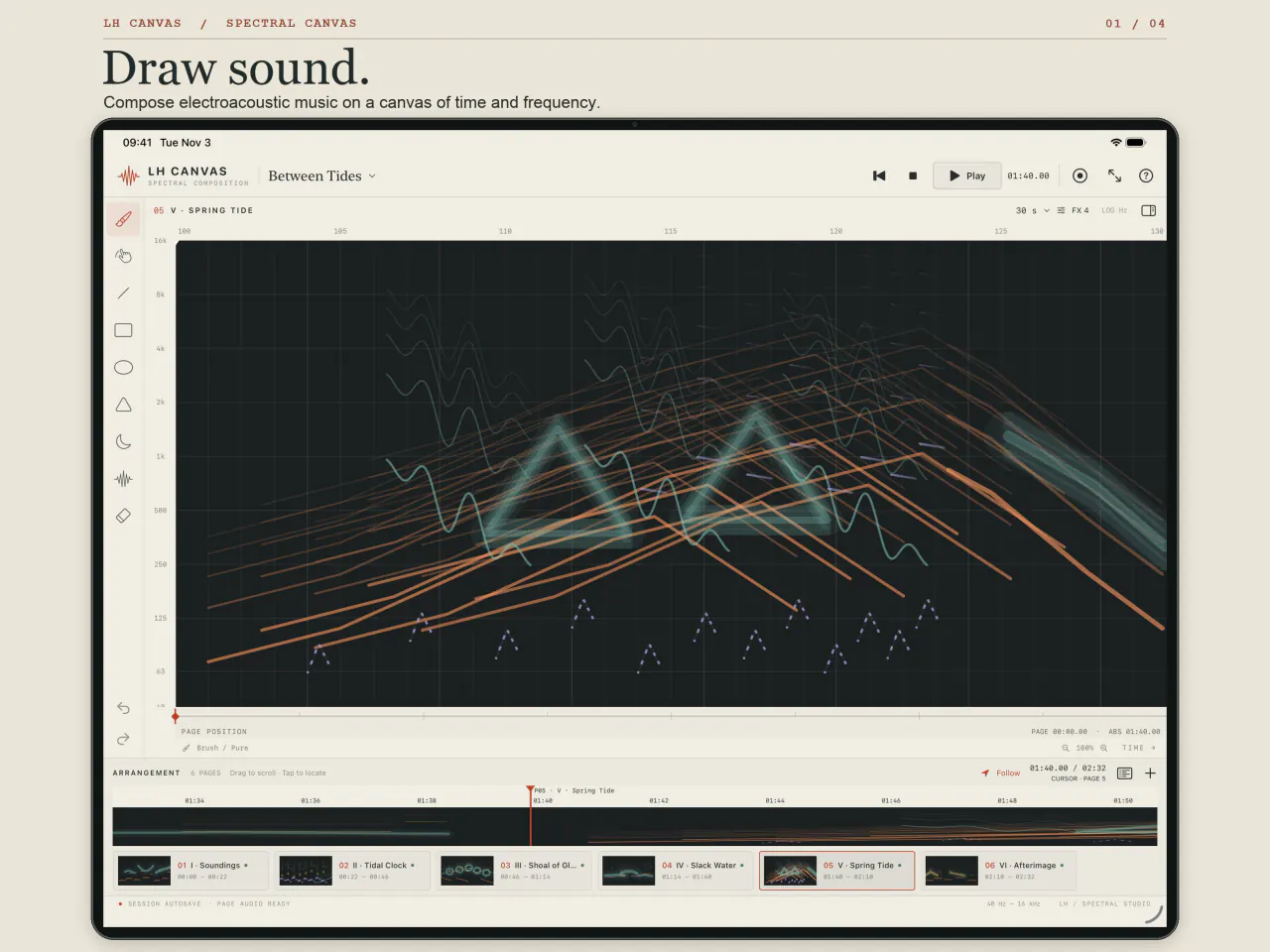
Draw with a finger or Apple Pencil
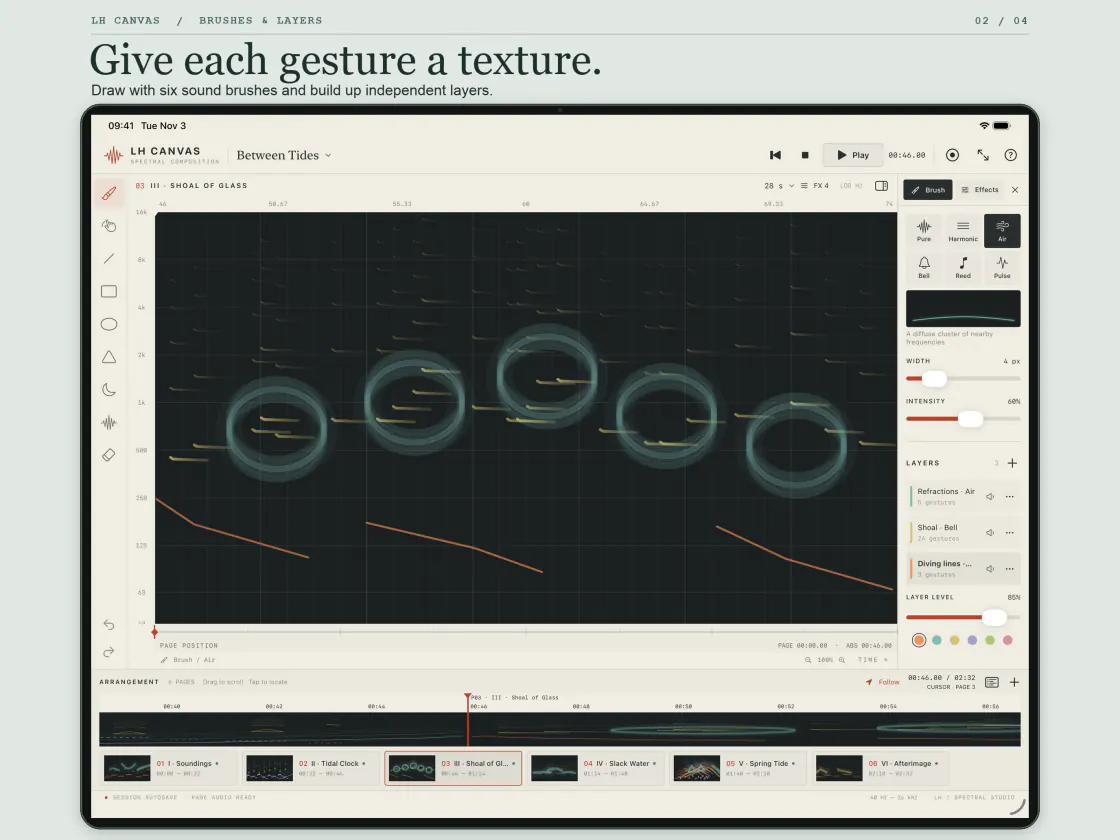
Choose from six sound brushes, from a focused Pure tone to metallic Bell partials or repeating Pulse textures. Draw freehand or use lines, curves and geometric shapes. Organize gestures into layers you can mute, solo or lock as you work.
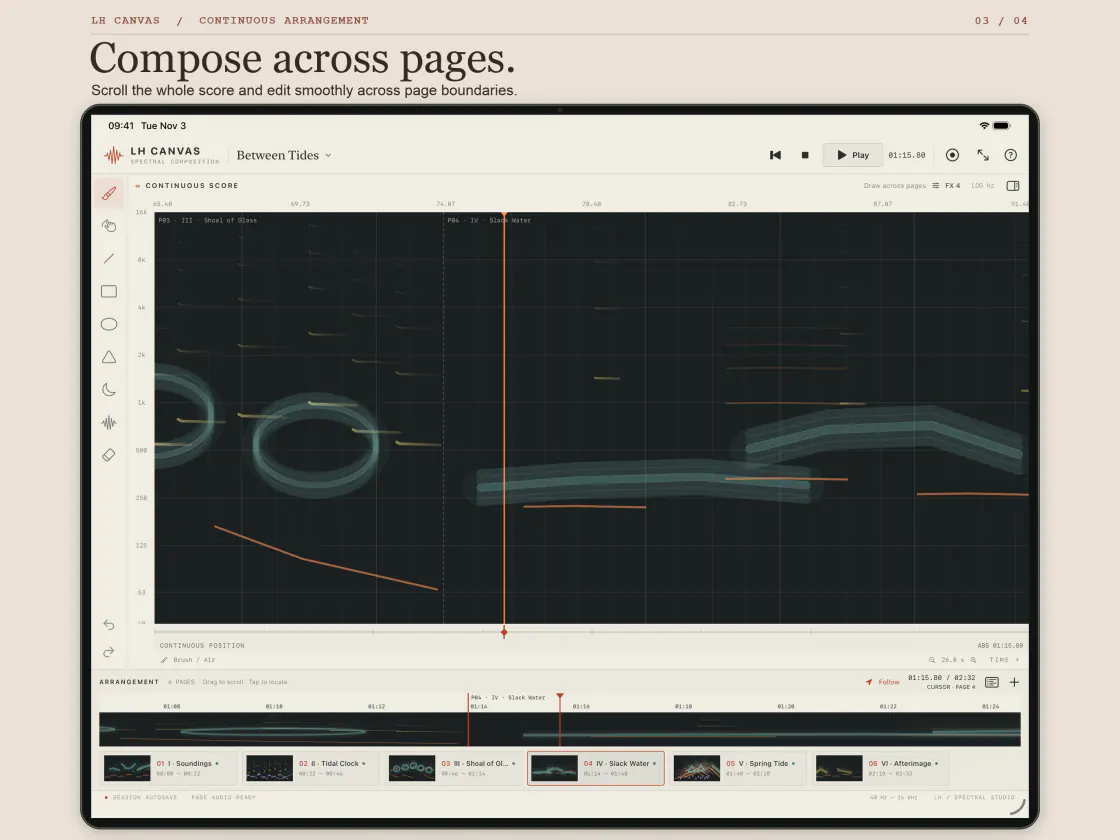
Compose across pages
Give each section its own duration and arrange pages on a continuous timeline. Drag the playhead to locate a passage or edit across a page boundary. Zoom in on a detail, then fit the whole page to see the score again.
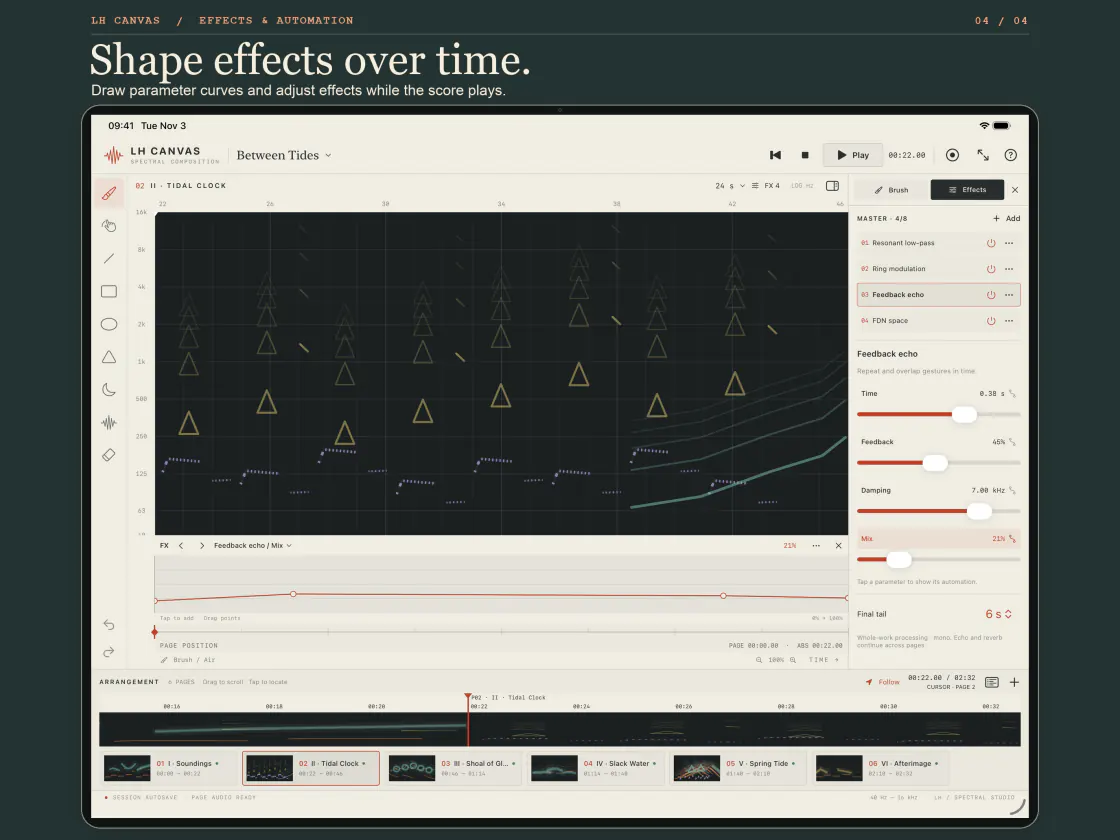
Shape effects over time
Draw automation curves for resonant filters, comb resonance, feedback echo, ring modulation and reverb. Adjust effect parameters while the score plays, and hear echoes and reverb carry into the next page.
Keep and share your work
Save editable projects in the local library or share a .lhcanvas file. Export the full work or a single page as mono 16- or 24-bit WAV, or save a page as a PNG score. Record the canvas and app audio on iPad to share a performance or show how a piece was made.
Open Between Tides to explore a six-part electroacoustic work, or start with a blank canvas. LH Canvas is designed for composers, sound artists and anyone who wants to sketch music in time and frequency.
View on the App Store